
EN

Android Performance

Focus on Android Performance

loading
Long-form Forecast: Phones May No Longer Start from Apps: How Agent OS Takes Over the Task Entry Point

Starting from Ming-Chi Kuo’s April 27, 2026 supply-chain report about an OpenAI phone, this article looks at the possible system shape after phones and AI merge, from the perspective of someone who works on Android phones.

Introduction: This Is Not Just a New Phone Problem

The most interesting part of Kuo’s report is not the 2028 mass-production window. It is not whether MediaTek, Qualcomm, or Luxshare ends up in which supplier position either.

It pushes the question into the system layer:

If the user’s primary goal shifts from opening apps to completing tasks, what should a phone operating system look like?

That sounds like a UI question. From an Android practitioner’s perspective, it touches the whole system structure: Launcher, notifications, permissions, IPC, app capability declarations, model runtime, TEE, device-cloud sync, task state machines, audit logs, payment confirmation, and developer revenue sharing all need to be reconsidered.

Over the past few years, most discussions about AI phones have stayed at the feature layer. Vendors talk about AI photo editing, AI erase, AI summaries, AI search, AI assistants, and AI briefings. All of these can fit inside today’s Android or iOS architecture.

If OpenAI really builds an AI Agent phone, it will move the question from “how many AI features can be added to a phone” to “should the phone’s first entry point still start from app icons?”

The main line is this: Agent OS looks like a structural migration of mobile OS after the graphical interface era. The foreground moves from an app grid to a task stream. The background moves from app-owned capability to authorized capability. The system moves from managing processes and windows to managing tasks, context, and responsibility.

OpenAI does not have to build on Android, but Android is the more likely path because it inherits hardware adaptation, drivers, app compatibility, and supply-chain experience. If OpenAI wants to design the first screen, permissions, and task flow completely around Agent OS, it may also choose an “Android-compatible but not quite Android” path, or even build a Linux-based system and fill the service gap with the web, cloud execution, and an app compatibility layer.

Different OS choices will change go-to-market speed. They will not change the five things Agent OS must solve:

  1. The phone must continuously understand the user’s current state.
  2. Apps must move from foreground entry points to background capability providers.
  3. The system must have a task runtime that is recoverable, cancellable, and auditable.
  4. Device-side and cloud-side execution must be split by data sensitivity and real-time needs.
  5. Every cross-app, cross-device, and cross-cloud action must have permission, responsibility, and rollback boundaries.

Without these five things, an AI phone is still just “a phone with an AI assistant.” Once they become system constraints, the phone starts moving toward Agent OS.
After Running OpenClaw Locally for Three Weeks, I Realized It's Not a Chatbot

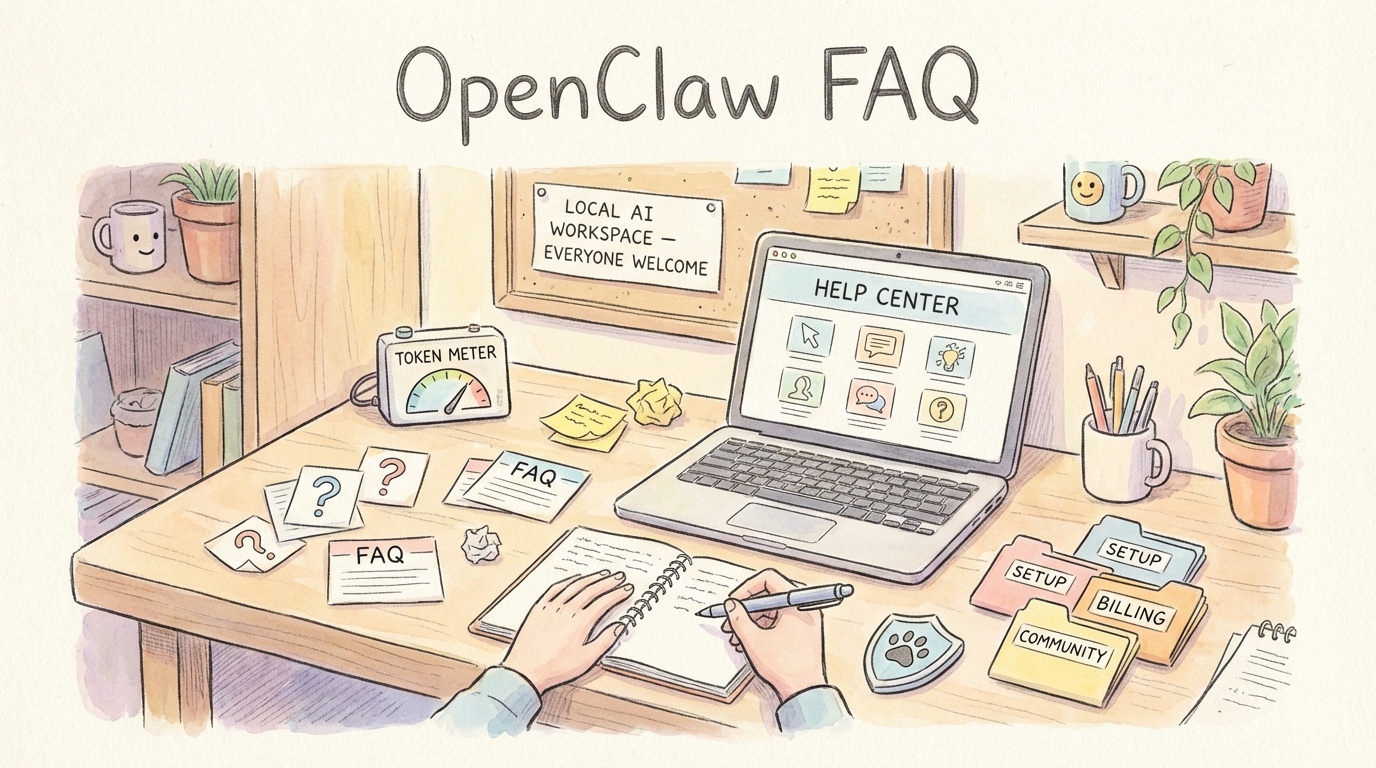
I’ve been using OpenClaw heavily on my local machine for a while now. At first, I treated it like any other AI tool. But after wiring it into Telegram, Obsidian, scheduled tasks, local models, and my content workflow, I realized I had it completely wrong. Its real power isn’t answering questions – it’s doing sustained work on your behalf. It can receive messages, call tools, run scheduled tasks, dispatch to different models, build long-term memory, write results back to Obsidian, and delegate complex tasks to other agents. If you’re only using it as a chatbot, you’re tapping maybe 20% of what it can do.

Android Perfetto Series 10: Binder Scheduling and Lock Contention

The tenth article in the Perfetto series focuses on Binder, Android’s core Inter-Process Communication (IPC) mechanism. Binder carries most interactions between system services and apps, and is often where latency and jank originate. This article uses signals from linux.ftrace (binder tracepoints + sched), thread_state, and ART Java monitor contention (via atrace dalvik) to provide a practical workflow for diagnosing transaction latency, thread-pool pressure, and lock contention.

Android Perfetto Series 9: CPU Information Interpretation

This is the ninth article in the Perfetto series, focusing on CPU information analysis in Perfetto. Perfetto provides far superior data visualization and analysis capabilities compared to Systrace. Understanding CPU-related information is the foundation for locating performance bottlenecks and analyzing power consumption issues.

The goal of this series is to examine the overall operation of the Android system from a brand new graphical perspective through the Perfetto tool, while also providing a new way to learn the Framework. Perhaps you’ve read many source code analysis articles but always feel confused by the complex call chains or can’t remember specific execution flows. Through Perfetto, by visualizing these processes, you may gain a deeper and more intuitive understanding of the system.

Android Perfetto Series 8: Understanding Vsync Mechanism and Performance Analysis

This is the eighth article in the Perfetto series, providing an in-depth introduction to the Vsync mechanism in Android and its representation in Perfetto. The article will analyze how the Android system performs frame rendering and composition based on Vsync signals from Perfetto’s perspective, covering core concepts such as Vsync, Vsync-app, Vsync-sf, and VsyncWorkDuration.

With the popularization of high refresh rate screens, understanding the Vsync mechanism has become increasingly important. This article uses 120Hz refresh rate as the main narrative thread to help developers understand the working principles of Vsync in modern Android devices, and how to observe and analyze Vsync-related performance issues in Perfetto.

Version note: Android 17 (API 37) is the current technical reference; Android 13 is mentioned where a major mechanism was introduced. Code snippets are abbreviated AOSP main excerpts, with ... omitting some branches. They are not verbatim Android 17 release source; verify against your target branch.

Android Perfetto Series 7: MainThread and RenderThread Deep Dive

This is the seventh article in the Perfetto series, focusing on MainThread (UI Thread) and RenderThread, the two most critical threads in any Android application. This article will examine the workflow of MainThread and RenderThread from Perfetto’s perspective, covering topics such as jank, software rendering, and frame drop calculations.

As Google officially promotes Perfetto as the replacement for Systrace, Perfetto has become the mainstream choice in performance analysis. This article combines specific Perfetto trace information to help readers understand the complete workflow of MainThread and RenderThread, enabling you to:

  • Accurately identify key trace tags: Understand the roles of critical threads like UI Thread and RenderThread
  • Understand the complete frame rendering process: Every step from Vsync signal to screen display
  • Locate performance bottlenecks: Quickly find the root cause of jank and performance issues through trace information
Android Perfetto Series 6: Why 120Hz? Advantages and Challenges

This is the sixth article in the Android Perfetto series, mainly introducing knowledge related to 120Hz refresh rate on Android devices. Nowadays, 120Hz has become standard configuration for flagship Android phones. This article will discuss the advantages and challenges brought by high refresh rates, and analyze the working principle of 120Hz from a system perspective.

Over the past few years, the refresh rate of mobile device screens has evolved from 60Hz to 90Hz, and then to the now common 120Hz. This improvement not only brings smoother visual experience, but also puts forward new requirements for system architecture and application development. Through the Perfetto tool, we can more intuitively understand the process and performance of frame rendering on high refresh rate devices.

Android Perfetto Series 5: Choreographer-based Rendering Flow

This article introduces Choreographer, a class that App developers may not frequently encounter but is critically important in the Android Framework rendering pipeline. We will cover the background of its introduction, a brief overview, partial source code analysis, its interaction with MessageQueue, its application in APM (Application Performance Monitoring), and some optimization ideas for Choreographer by mobile phone manufacturers.

The introduction of Choreographer is mainly to cooperate with Vsync to provide a stable Message processing timing for upper-layer application rendering. When the Vsync signal arrives, the system controls the timing of each frame’s drawing operation by adjusting the Vsync signal cycle. Currently, the screen refresh rate of mainstream mobile phones has reached 120Hz, which means refreshing once every 8.3ms. The system adjusts the Vsync cycle accordingly to match the screen refresh frequency. When an app has pending frame callbacks, Choreographer requests Vsync and handles the callbacks when it arrives; not every Vsync causes the app to draw. Understanding Choreographer can also help application developers deeply understand the operating principle of each frame, and at the same time deepen their understanding of core components such as Message, Handler, Looper, MessageQueue, Input, Animation, Measure, Layout, and Draw. Many APM (Application Performance Monitoring) tools also utilize the combination mechanisms of Choreographer (via FrameCallback), FrameMetrics/gfxinfo framestats (internally backed by FrameInfo), MessageQueue (via IdleHandler), and Looper (via custom MessageLogging) for performance monitoring. After deeply understanding these mechanisms, developers can conduct performance optimization more specifically and form systematic optimization ideas.

Android Perfetto Series 4: Opening Large Traces via Command Line

This is the fourth article in the Perfetto series, explaining how to use trace_processor_shell to open large files exceeding 2GB locally. In actual problem analysis, we often encounter very large Trace files (greater than 2GB) that may fail to open in ui.perfetto.dev because of browser memory limits. The limit applies to memory used while parsing, not directly to the trace file’s size. In this case, we can use the official trace_processor_shell tool to open large files locally.

With Google announcing the deprecation of the Systrace tool and the release of Perfetto, Perfetto has basically replaced Systrace in my daily work. At the same time, major manufacturers like OPPO and Vivo have also switched from Systrace to Perfetto. Many friends who are new to Android performance optimization feel a headache when facing the dazzling interface and complex functions of Perfetto. They hope that I can present those previous Systrace articles using Perfetto.